Create custom Workstations with unlimited possibilities
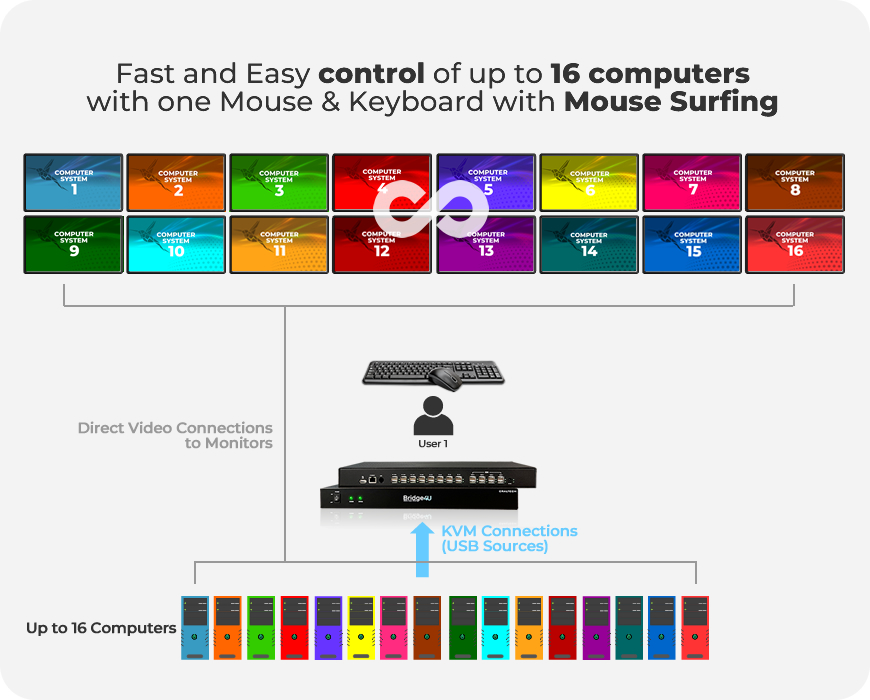
Operate sixteen computers with only one mouse and keyboard and make your workspace more efficient and ergonomic. Switching between computers is done using configurable key combinations or direclty moving the mouse surfing between the screens.
Bridge4U does not process video signals. Each monitor is directly connected to the computer. To add video signal flexibility and get the maximum of Bridge4U, combine it with 4KCRAFT 4K Multiview, OCTO or Screenbridge and bring your KVM control to the next level with flexible layout configurations and multiview options.

FEATURES
- 16 USB outputs for KVM control on 16 Computers
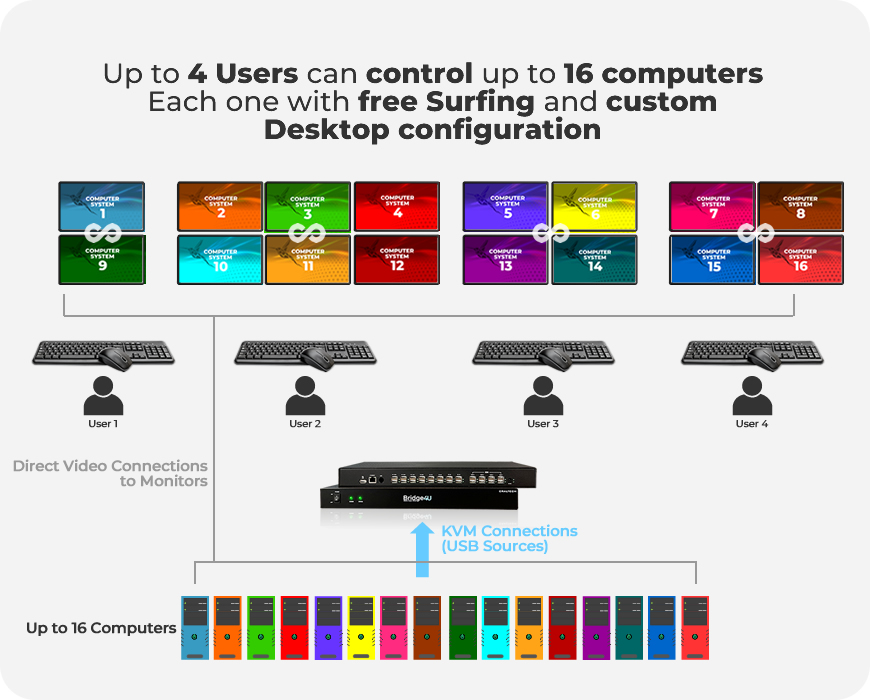
- Up to 4 Operators can control the Computers simultaneously
- Support seamless switching between the Computers controlled
- Combinable with OCTO, 4KCRAFT and ScreenBridge
- Compatible with Stream Deck for faster switch
- With ScreenBridge and 4KCRAFT Smart Tool Bar on screen design available
- Possibility to Add KVM functionallity to wide range of Multiviewers

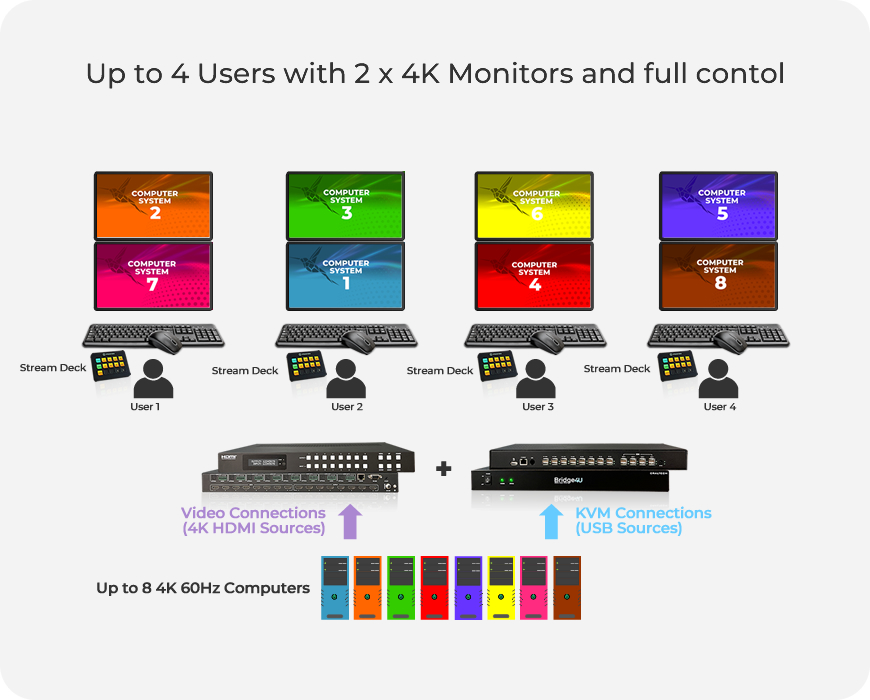
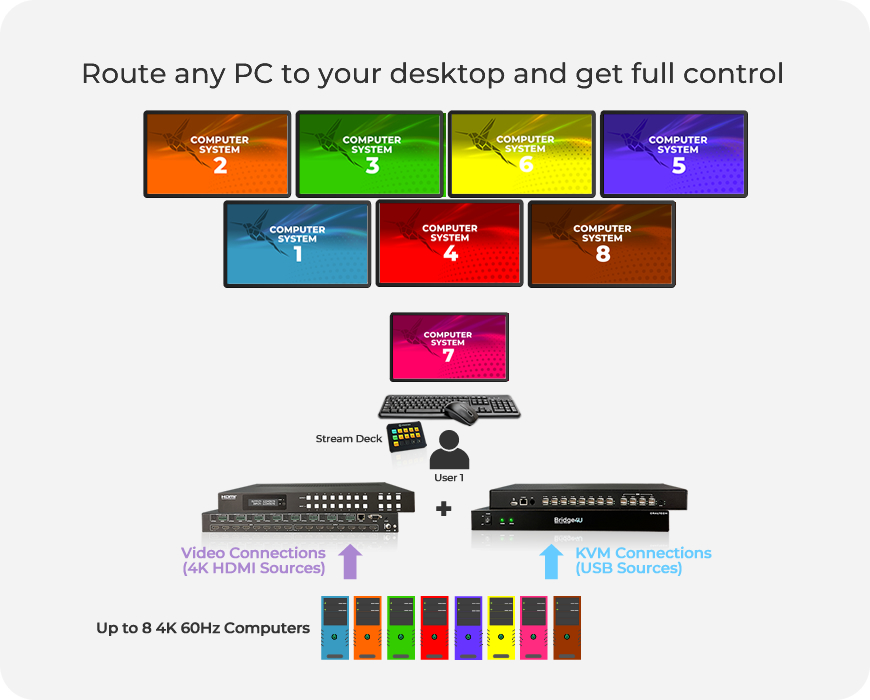
Maximum flexibility adding an OCTO Matrix. Combine it with Bridge4U and get routing capability to your monitor composition.


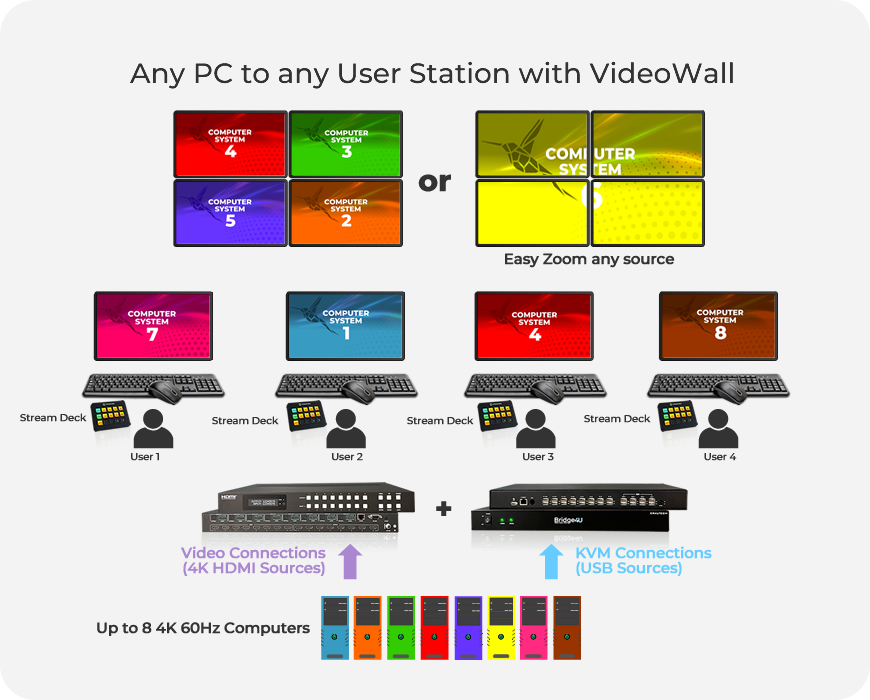
Combine it with OCTO Matrix to add routing capability on your installation. Use Stream Deck to effortlessly switch between PC sources and control them easier than ever. Up to 4 user can operate with the system at the same time. Create Multiview layouts, high-performance 8x8 4K60 HDMI IN/OUT Matrix for routing your sources effortlesly, easy build impressive Video Walls with maximum flexibility. A perfect All in One Solution for command centers, public spaces, live events and more...
Enjoy full control of your sources at your fingertips!

Adding 4KCraft Create and Control Hybrid Multiview Systems with 12GSDI & HDMI inputs effortlesly

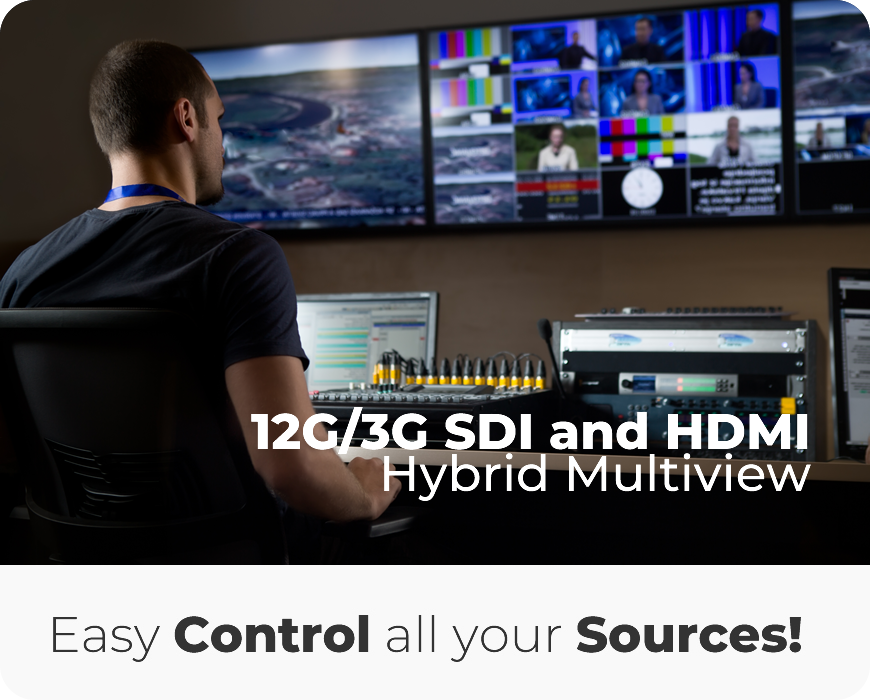
Combine it with 4KCRAFT and build Hybrid Multiviewer systems mixing 12GSDI, 3GSDI and HDMI inputs and ADD Bridge4U to get the control of your HDMI sourcers. Design and store 6 Layouts with the Smart Tool bar On-screen design system and make your broadcast installations more flexible and ergonomic centralizing your sources in just 1 device. With 4KCRAFT cascade capability, control and visualize up to 64 sources SDI or HDMI and build a high-performance Workstation. Perfect for OBVANS, Live production, Control rooms, Meeting and Conference rooms,...

Unique in the market adding ScreenBridge, no limits, full creativity, hybrid system and maximum flexibility with Multiviewer, Videowall and Matrix capabilities in every output


Combine ScreenBridge with Bridge4U and increase the number of Operators and add the new SMART TOOLBAR functionallity to your Screenbridge. Each Operator will be able to Re-size the sources and adjust the layouts, Swap sources between the different windows Fast & Easy, send signals to a Video Wall and interact with it, ALL DIRECTLY ON SCREEN with no additional software! Also, each Operator will be able to enjoy absolute mouse surfing around the created layouts. Turn your workstation into a Co-Operative space and remove stress from your Operators by providing them a super fast & easy environment to work with!


Seamless Control & KVM functionallity with Bridge4U and Stream Deck
Bring OCTO, 4KCRAFT and ScreenBridge to the next level and combine it with Bridge4U to add KVM on your installation. Use Stream Deck to effortlessly switch between PC sources and control them easier than ever. Up to 4 user can operate with the system at the same time.
Our software engineers always listen to your needs, so if you need a customized protocol integration do not hesitate to contact us!


Flexible and Easy to use, Bridge4U can be used in a wide range of applications
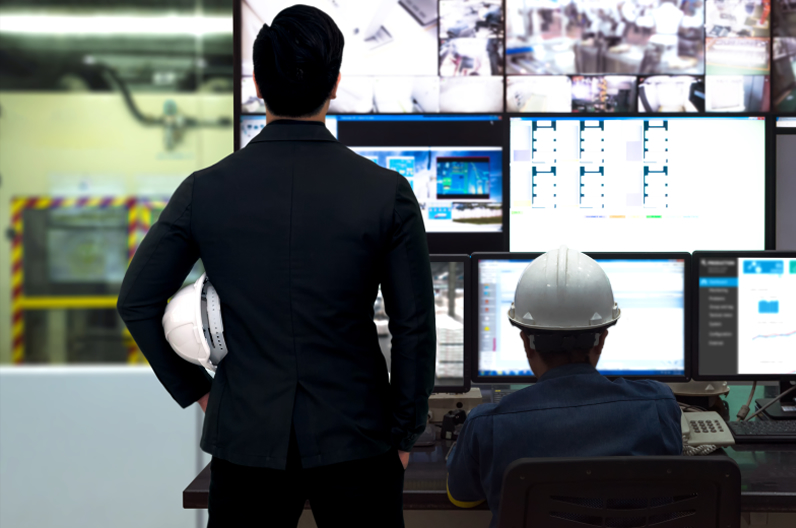
Industry and Control Rooms
- Quality Control
- Engineering Departments
- R&D Departments
-Control Rooms

Stock and Banking Market
- Banking control rooms and offices
- Stock Market & Brokers control rooms
- Cryptocurrency Servers and control
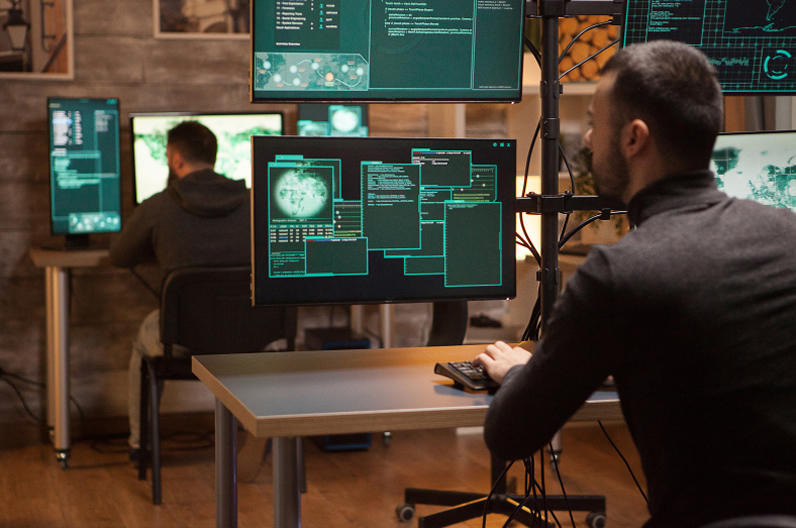
Engineering & Design
- Engineering Departemnts
- Software and games design
- Design & Modeling Departments
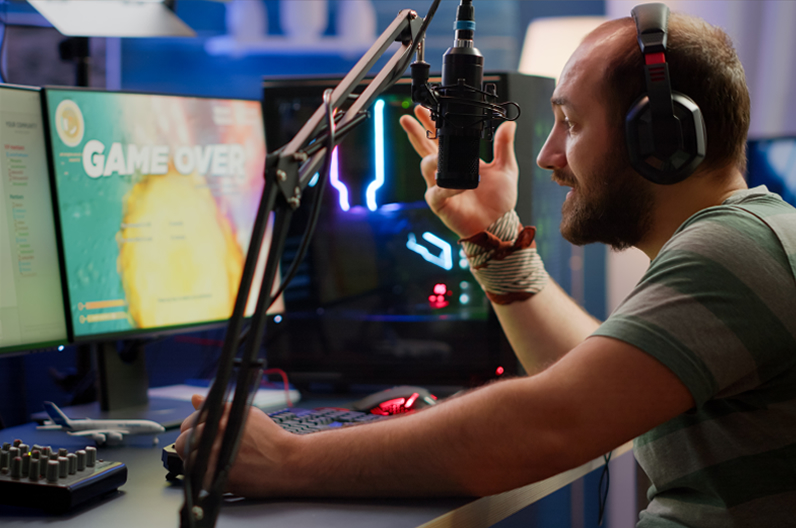
Live Stream and e-Sports
- Live Stream Set Up
- e-Sportes
- Gaming & Software Dessign

Corporate & Presentations
- Presentations & Conferencing
- Events
- Training facilities
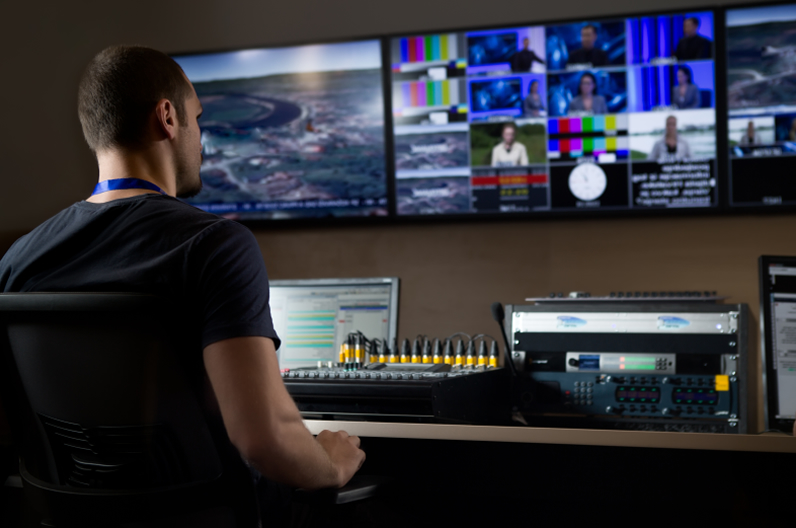
Broadcast
- Control Rooms
- KVM Remote control optimization

Government
- Courtrooms
- Mission critical environments
- Control rooms
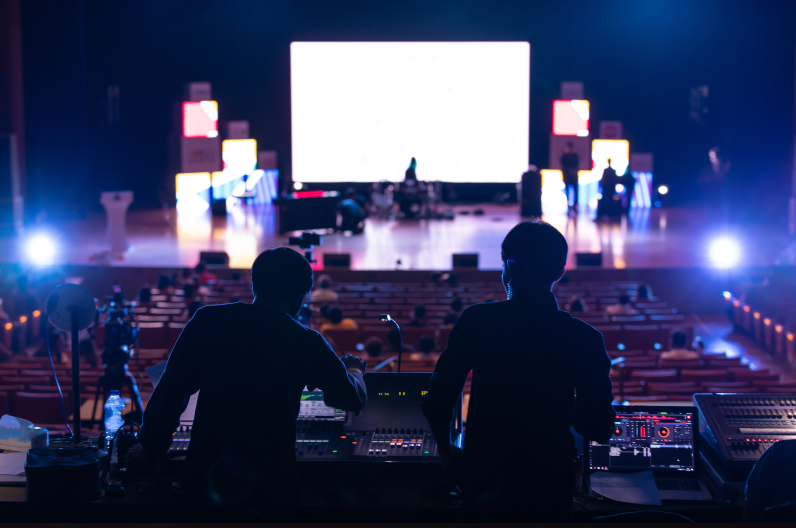
Rental, Staging & Live Events
- Conferences & Corporate events
- Multi-screen live events
- Casinos
- Stadiums
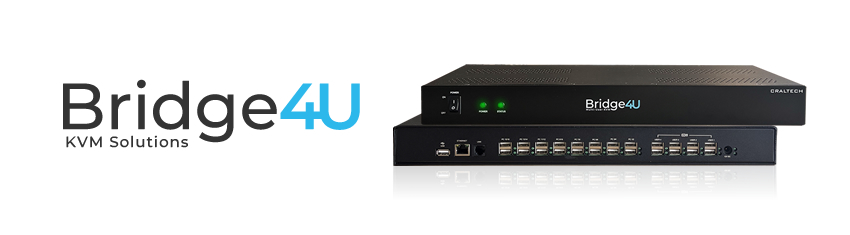
SPECIFICATIONS
Connections
KVM outputs
- 16 x USB on standard model and up to 64 x USB on the bigger models.KVM Mouse and Keyboard inputs
- 2 x USB for Operator (4 operators in standard version and up to 16 on the bigger models)Updates
All updates can be done through USBConfiguration
Through Ethernet control Web Based software.Compatible format
USB Types and Functions
- USB Outputs for KVM control of the computers - USB Inputs for Mouse and Keyboard only. - 1 x USB for updates.Control
External control Ports
- 1 x Ethernet RJ-45Power requirements
Power supply
12VPower Fail protection
Configuration will preserve and restore inmediatly when power back.Power Consumption
TBDPhysical Specifications
TBD
Environmental Specifications
Operating Temperature
32°F – 104°F / 0°C – 40°CStorage Temperature
-4°F – 140°F / -20°C – 60°COperating Humidity
20% – 80% relative humidity, non-condensingStorage Humidity
10% – 90% relative humidity, non-condensingWarranty
2 year warranty on the electronics. Limited Manufacturer warranty.